
AMPM Casino App for iPhone and Android: Safari Web App and a 6.4 MB APK
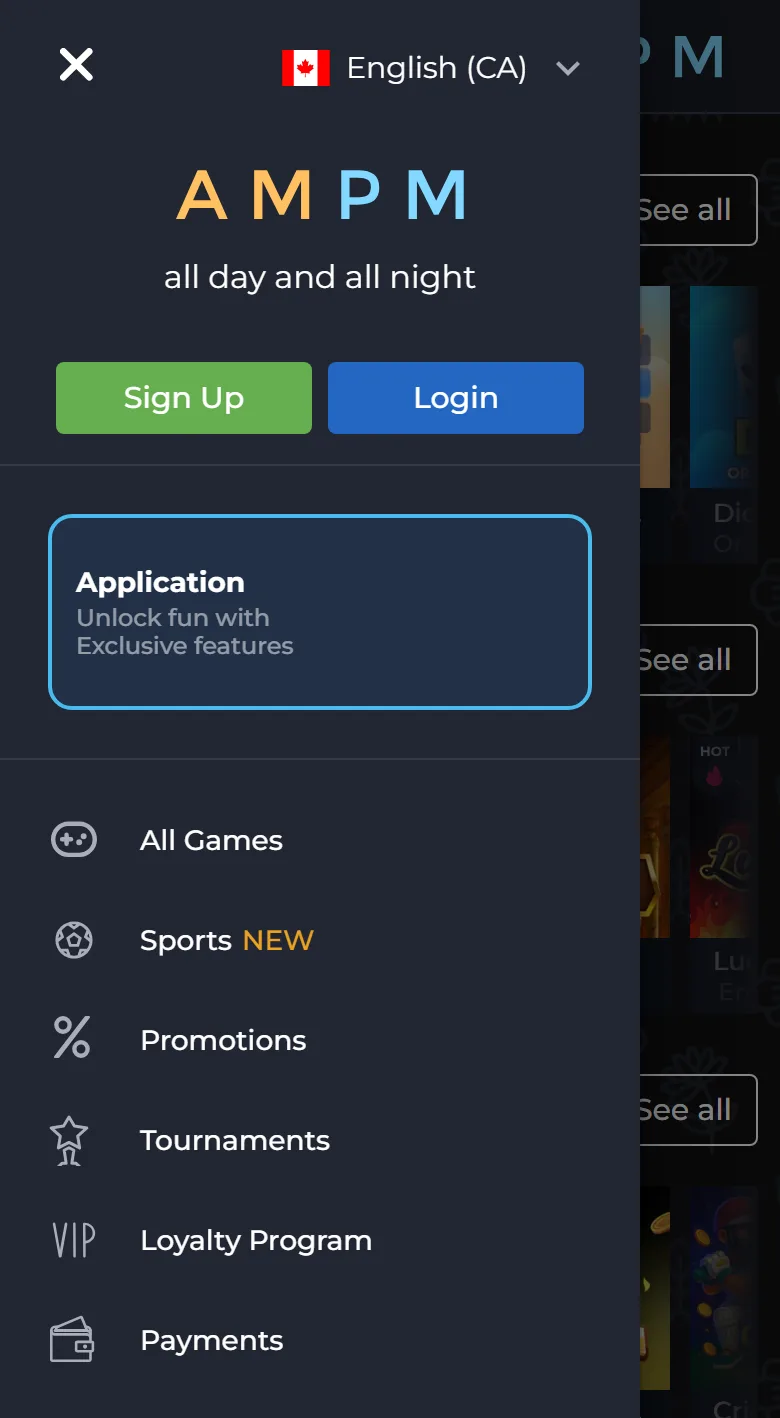
The AMPM Casino app comes in two forms, and you will not find either of them in a store. On an iPhone it is a web app: open the site in Safari, tap Share, then Add to Home Screen, and an AMPM icon joins your other apps. On Android it is the AMPM Casino APK, a file of about 6.4 MB that you download from the official site and install yourself. Both versions open the same account you use on the AMPM Casino site from a computer, with the balance in Canadian dollars, the casino lobby and the sportsbook. Step-by-step instructions for each phone follow below, starting with the iPhone.
Apple Pay and Google Pay deposits start at 25 CAD in the mobile cashier, the same minimum as on a computer.
Which Version to Use: iPhone Web App, Android APK or Mobile Browser
There are three ways to play AMPM Casino on mobile, and they differ only in how the casino opens on your phone. The table shows what each one asks of you.
| Mobile browser | iPhone web app | Android APK | |
|---|---|---|---|
| Where it comes from | The official site in any browser | Safari, through Add to Home Screen | The official site, file com.ampm.casigame2.0.apk |
| Space on the phone | Nothing is installed | No file, only a home screen icon | About 6.4 MB |
| What you need | Nothing extra | Safari | A one-time permission to install unknown apps |
| Setup | None | Five short steps | Five to six steps |
| How it opens | Bookmark or typed address | Icon on the home screen | Icon on the home screen and in the app list |
| Account and balance | Same account, CAD | Same account, CAD | Same account, CAD |
If you play now and then, the browser is enough. If you open the casino every day, an icon saves you from typing the address and keeps the session one tap away. iPhone owners have one route, the web app. Android owners can choose between the APK and the browser.
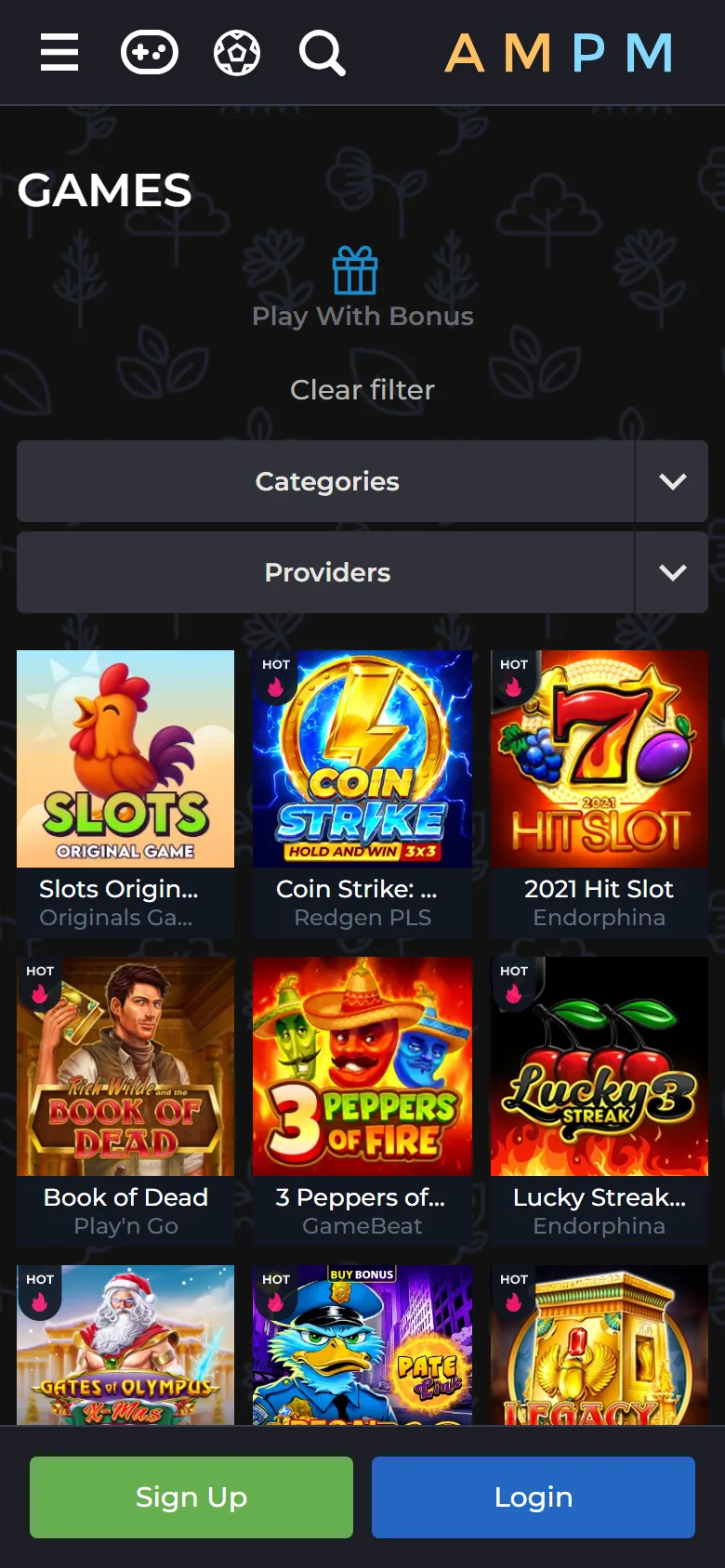
Adding AMPM Casino to an iPhone Home Screen in Safari
The AMPM Casino iPhone web app is installed from Safari, not from the App Store. It takes five short steps, and there is no file to download, so nothing is stored on the phone except the icon. The pictures on the official app page show the same four screens.
1. Open the site in Safari
Open the official AMPM Casino site in Safari on your iPhone. If you are on a computer, click For iOS on the app page: a QR code appears, and you scan it with the iPhone camera. If the link opens in another browser, copy the address into Safari.
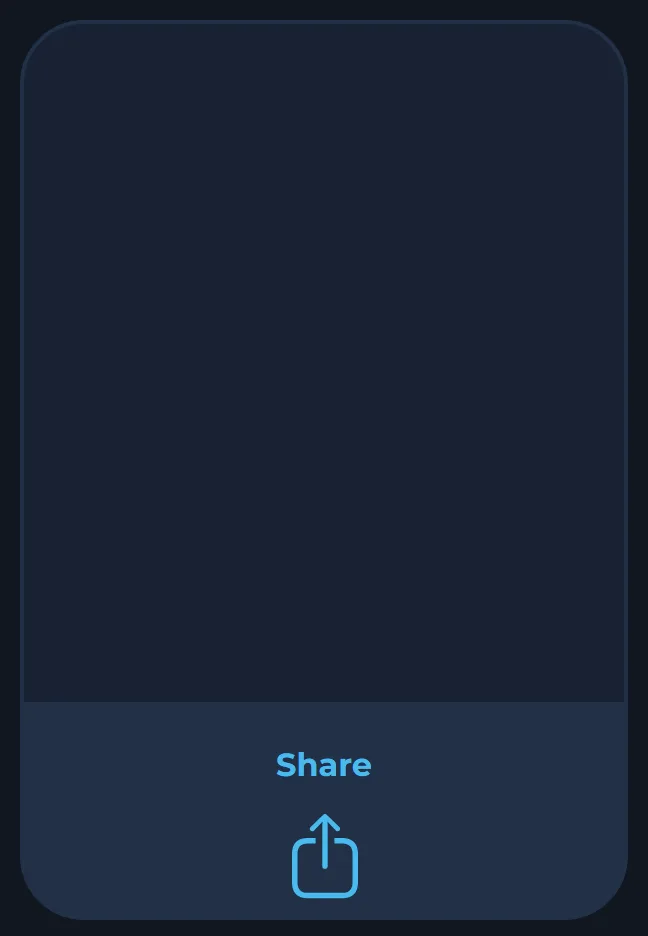
2. Tap Share
Tap the Share button, the square with an arrow, in the Safari toolbar.
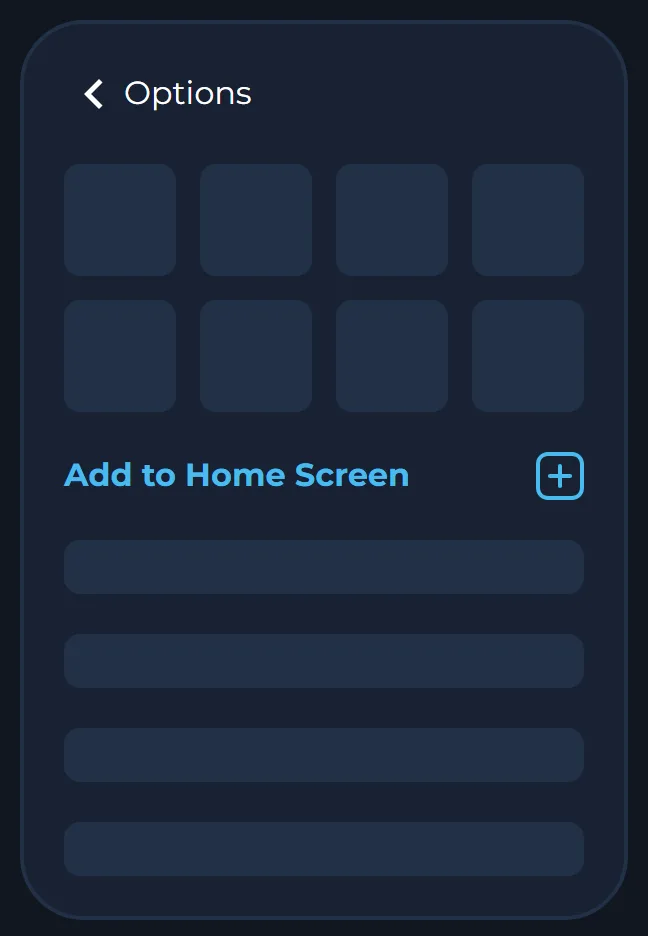
3. Choose Add to Home Screen
Scroll down the menu and choose Add to Home Screen.
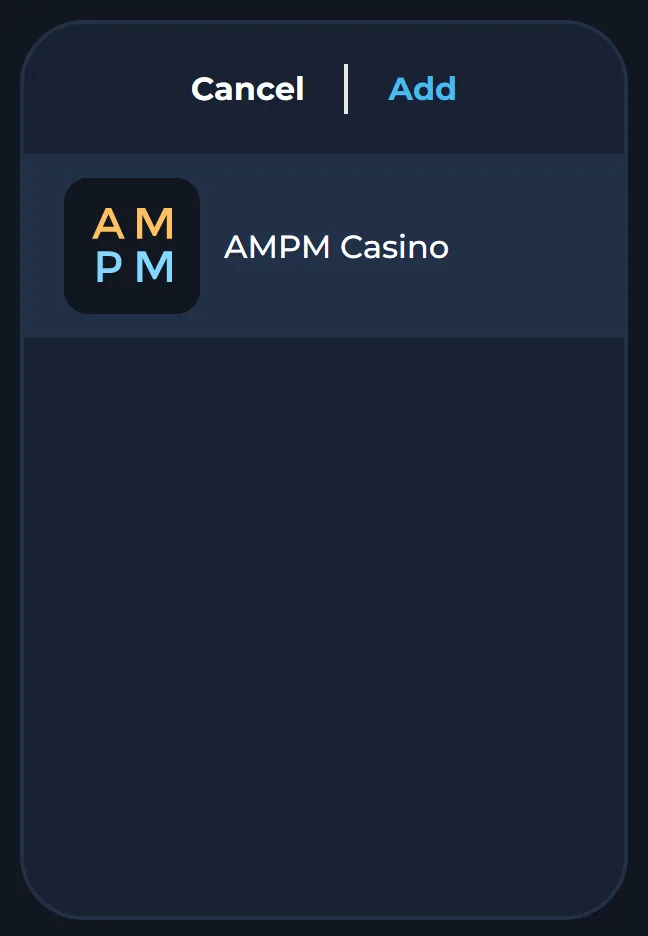
4. Tap Add
Tap Add in the top right corner of the screen.
5. Open the AMPM icon
Find the new AMPM icon on your home screen and tap it. The casino opens straight away, and you log in as usual.
The official instruction is written for Safari, so use it even if another browser is your default. To remove the web app later, press and hold the icon and delete it like any other app. Your account and balance stay untouched, because they live on the casino’s side, not on the phone.
Installing the 6.4 MB AMPM Casino APK on Android
The AMPM Casino app download for Android is a single APK file from the official site. Android treats any app from outside Google Play as an unknown app, so the installation includes one permission and, on many phones, a warning from Google Play Protect. Both are expected, and the official instruction covers them.
1. Open the app page
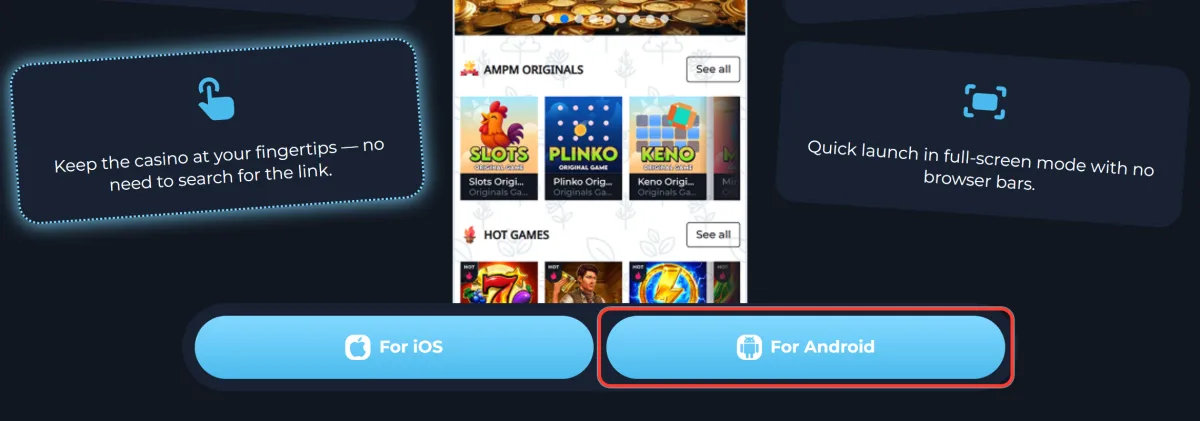
Open the app page on your Android phone. Use the Android button on this page, or on a computer click For Android on the official site and scan the QR code with your phone camera.
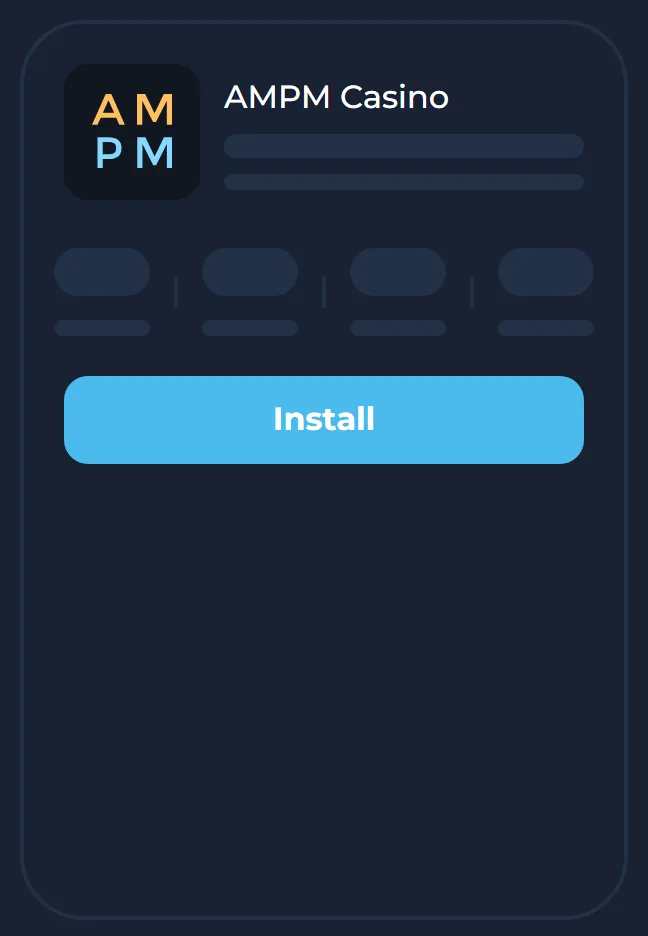
2. Tap Install
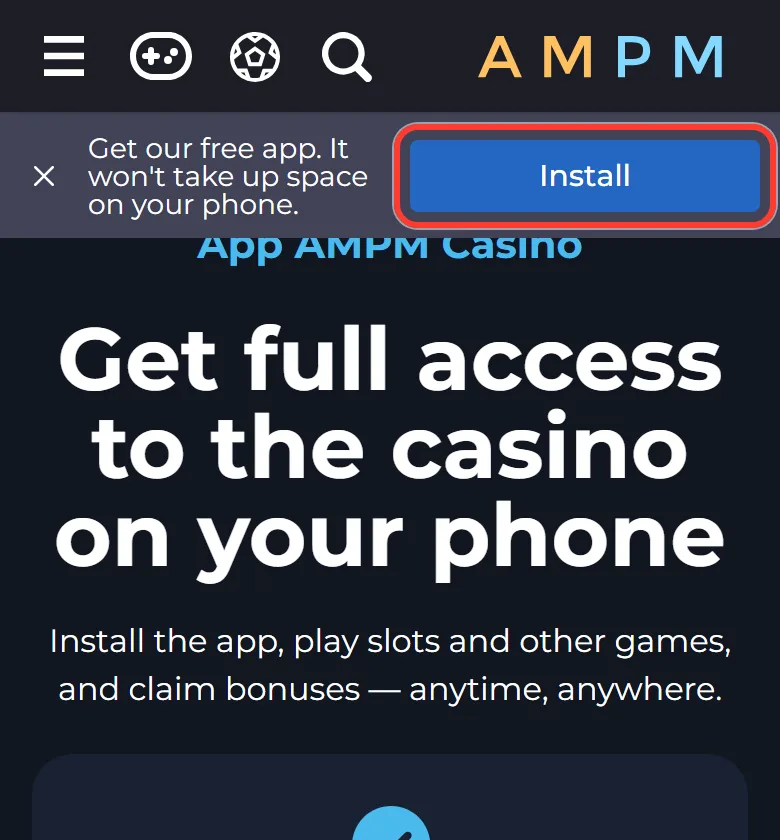
Tap Install on the app page. On the Android install page the same button is called Download. The file is com.ampm.casigame2.0.apk and weighs about 6.4 MB.
3. Allow unknown apps
When Android asks, allow your browser to install unknown apps. Depending on the phone, the setting is called Install unknown apps or Unknown Sources.
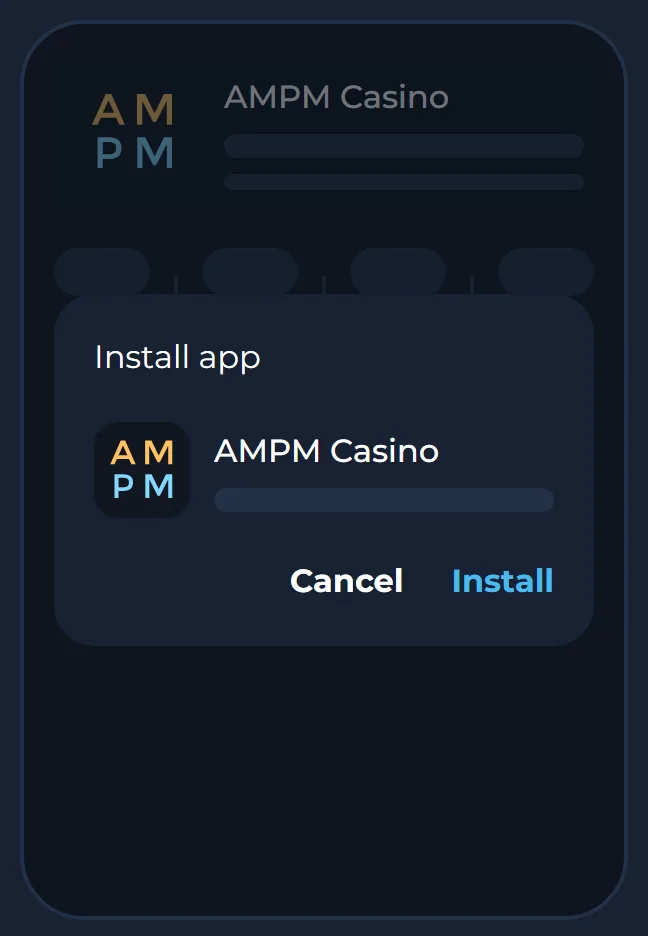
4. Confirm the installation
Confirm the installation in the system window. If Google Play Protect shows a warning, tap More details and then Install anyway, as the official AMPM instruction describes.
5. Open AMPM Casino
Tap Open when the installation ends, or start AMPM Casino from the new icon, and sign in.
6. Switch the permission off
Go back to your phone settings and switch the unknown apps permission off for the browser. The installed app keeps working without it.
Do not skip the last step. Leaving the permission on means any later download in that browser could install itself with one tap, so turn it off as soon as AMPM Casino is on the phone.
Why the App Is Not in the App Store or on Google Play
The stores decide which real-money gambling apps they list in each country. Google Play’s rules for Canada admit real-money casino apps only from operators run by a province or licensed under a provincial framework. Apple asks for a licence in the jurisdiction where the app is offered and for geo-restriction to that area.
AMPM Casino is operated by WoT N.V. (company number 129742) under licence OGL/2024/452/0687 from the Curaçao Gaming Control Board. That licence is not a provincial one, so the operator distributes its app directly: the APK from the official site and the iPhone web app through Safari. It follows that any “AMPM Casino” listing you may come across in the App Store or on Google Play was not published by the operator. Do not install it and do not enter your casino password in it.
How to Tell the Real AMPM APK From a Fake One
Copies of casino apps travel through chats, file-sharing sites and ads that promise extra bonuses for installing them. A fake can look identical and still steal your password or card details. These checks take a minute.
- Take the file only from the official site: the Android button on this page or the app page of the casino itself.
- Check the file name before you open it. The genuine one is com.ampm.casigame2.0.apk.
- Compare the size. The official file is about 6.4 MB (6,736,854 bytes). A file of a very different size is not the same app.
- Remember that the iPhone web app has no file at all. Anyone who sends an iPhone owner an “AMPM installer” or asks them to install a profile is not the operator.
- The genuine app shows the usual AMPM login form with Forgot password? and the same social sign-in buttons as the website.
If you already installed a file from somewhere else, delete it, then change your password through Forgot password? on the official site.
Cashier, Games and Sportsbook on Your Phone: What Works in the App
The app is the same casino in a smaller window, not a separate product. Open it and log in to AMPM Casino with the email and password, or the Google, X, Discord or wallet button, you chose when you signed up.
What carries over to the phone:
- The balance in CAD and the full deposit list. The minimums are 25 CAD for Apple Pay and Google Pay, 30 CAD for Interac and 15 CAD for MoneyGo, plus crypto.
- Withdrawals from 45 CAD, processed within 24 hours. Wager each deposit at least 3 times before cashing out, or a 20% fee is held back.
- Verification. Before the first withdrawal you fill in the profile and confirm your phone number, then upload ID photos taken with the phone camera: jpg, jpeg or png up to 10 MB.
- The lobby with more than 6,000 games, from AMPM Originals such as Crash, Plinko and Mines to live blackjack and roulette.
- The Digitain sportsbook with football, NHL, NFL and 80+ other sports, which opens after login.
The AMPM Casino bonuses are the same in the app as on a computer. The promotions page lists no separate app-only offer, so the welcome package, cashback and VIP levels follow your account to every device.
App Won’t Install or Open? Quick Fixes
Most problems come from the browser, a phone setting or the sign-in method. Find your situation in the table.
| Problem | Likely cause | What to do |
|---|---|---|
| No Add to Home Screen option on the iPhone | The site is open in Chrome or another browser | Open the same address in Safari and repeat the steps |
| The site shows a QR code instead of a download | The For Android and For iOS buttons open a QR code | On a computer, scan it with the phone; on the phone, use the Install bar (Android) or Safari’s Share menu (iPhone) |
| Android blocks the installation | The browser has no permission to install unknown apps | Allow it for that browser, install, then switch it off again |
| Google Play Protect warns about the APK | The file comes from outside Google Play | Check the file name and size, then tap More details and Install anyway |
| The app opens but login fails | A different sign-in method was used at registration | Use the same button or email as at sign-up, or get a temporary password through Forgot password? |
| Playing from Ontario | AMPM Casino is not available in Ontario | This is a service restriction, not an app fault |
For anything else, write to support@ampm.casino or open the live chat from the site menu. Describe the phone model and the step where the installation stopped.
Mobile Play Within Limits: Age 19+, Ontario and Account Tools
The app is for players 19 and older, and AMPM Casino is not available in Ontario. A phone makes the casino easy to open at any moment, so the limits are worth setting before the first deposit. In your profile you can cap deposits per day, week or month and block the account for anything from 1 day to permanently. Raising a limit goes through support. While a block runs, deposits, withdrawals and promotions are off, and the account reopens on its own when the period ends. Free help for Canadians is listed at responsiblegambling.org.
AMPM Casino App FAQ
Is the AMPM Casino app free?
Yes. The install bar on the official app page calls it a free app, and neither the APK nor the iPhone web app costs anything. You pay only for your own deposits, and the minimum depends on the payment method.
Do I need to install anything to play on my phone?
No. The site works in a mobile browser with the same account and the same games. Installing the APK or adding the icon only gives you an icon and a faster way in.
Is there a bonus just for app users?
No. The promotions page shows no offer tied to the app. Every deposit bonus, cashback day and VIP prize is linked to your account, so it is the same whether you claim it on a phone or a laptop.
Can I bet on sports from the app?
Yes, after you log in. The sportsbook sits inside the same account and opens from the Sports item in the menu, both in the app and in a mobile browser. Without logging in, the Sports button leads to the login form.
Why does the website show me a QR code instead of the app?
The For Android and For iOS buttons always show a QR code, because they are built to pass the link from a computer to a phone. Scan it with the phone camera. If you are already on the phone, skip the buttons: tap Install in the bar on the app page on Android, or use Safari’s Share menu on an iPhone.
Updated: