AMPM Casino Log In: Email, Six Social Options and a Quick Password Reset
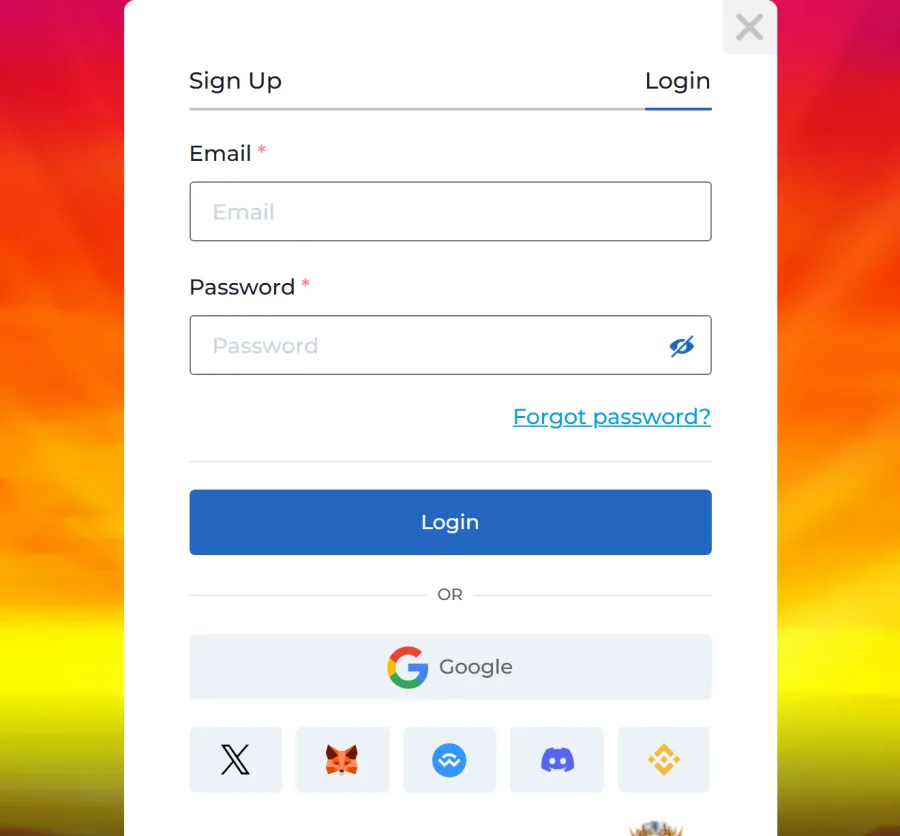
The AMPM Casino login form opens from the Login button in the site header. It asks for two things: the email you registered with and your password. If you signed up through Google, X, Discord or a crypto wallet, the matching button under the form signs you in without typing anything. Lost the password? The Forgot password? link sends a temporary one to your inbox. One account covers the whole of AMPM Casino online: the slots lobby, live tables and the sportsbook, which only opens after you log in. Balances are kept in Canadian dollars, and the account is for players 19+.
Your CAD account takes Interac deposits from 30 CAD, and withdrawals start at 45 CAD.
AMPM Casino Login at a Glance: Fields, Options and Currency
Here is everything the sign-in screen offers, gathered in one table so you know what to have ready before you open it.
| What | How it works at AMPM Casino |
|---|---|
| Where to log in | Login button in the header, desktop and mobile |
| Required fields | Email and Password (the eye icon shows what you typed) |
| One-click options | Google, X, Discord, MetaMask, WalletConnect, Binance Wallet |
| Lost password | Forgot password? link, temporary password sent by email |
| New account | Activation letter to your inbox after Sign Up |
| Account currency | CAD, chosen once at sign-up |
| Minimum age | 19+ |
| Devices | Browser on desktop, iPhone web app, Android APK |
| Sportsbook | Visible only after login |
| Help | Live chat and support@ampm.casino |
Signing In With Email and Password in 4 Moves
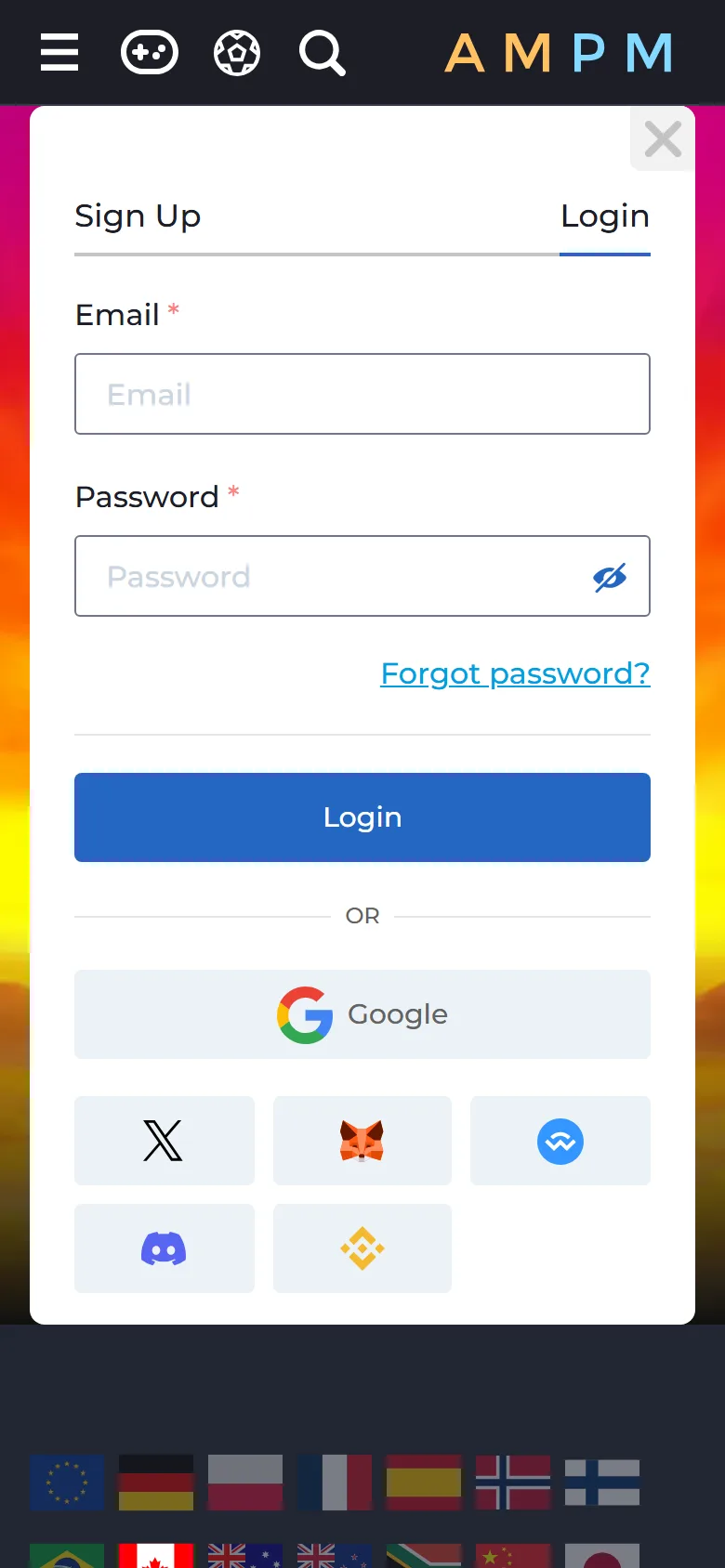
Most players log in the classic way. The form opens as a pop-up window over the page you are on, so you do not lose the game or promotion you were looking at.
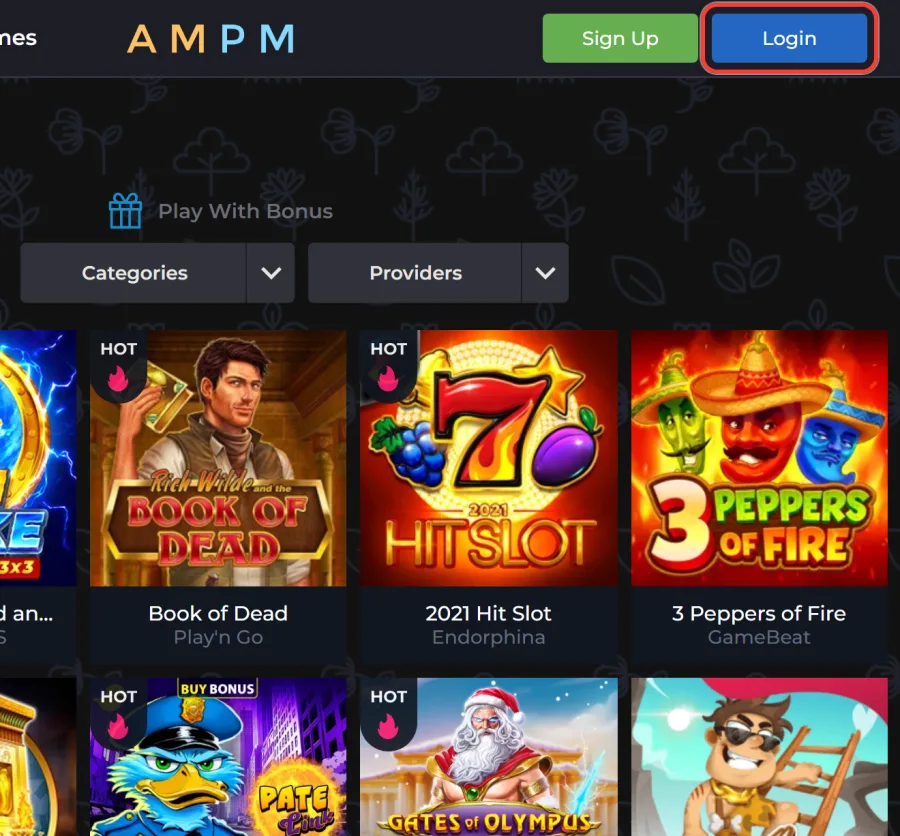
Open the login form
Tap Login in the site header. On a phone, the button sits at the bottom of the screen and inside the menu.
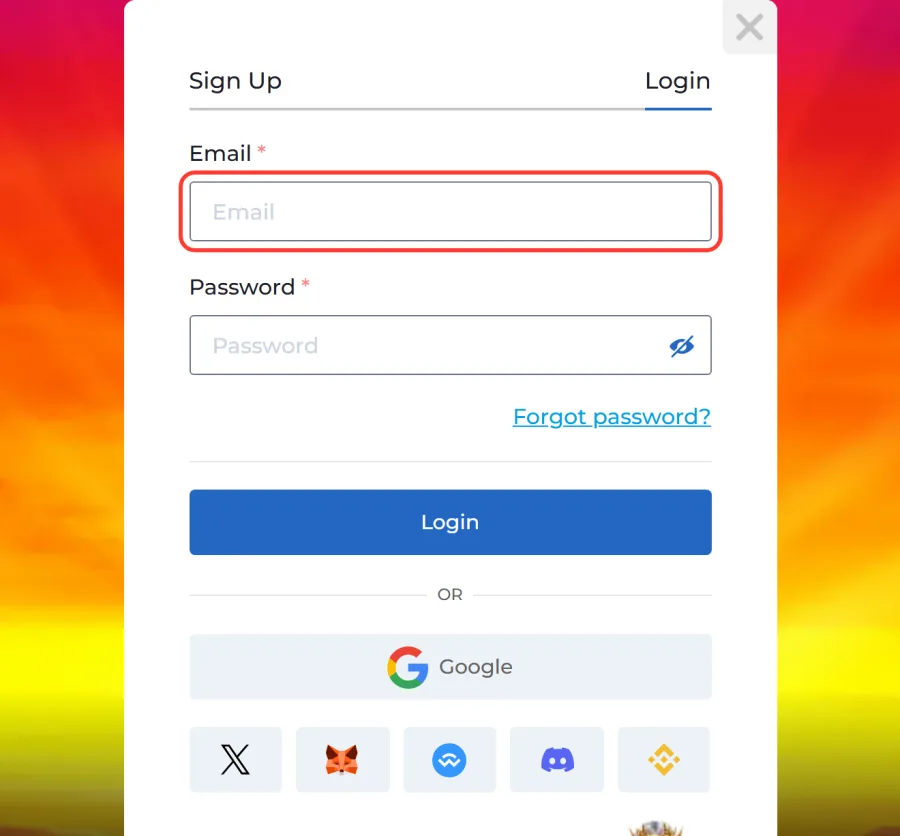
Enter your email
Type the email address you used for registration. Check for a typo or a stray space at the end, a common reason a correct address gets rejected.
Type your password
Enter your password. Tap the eye icon if you want to see the characters and make sure caps lock is off.
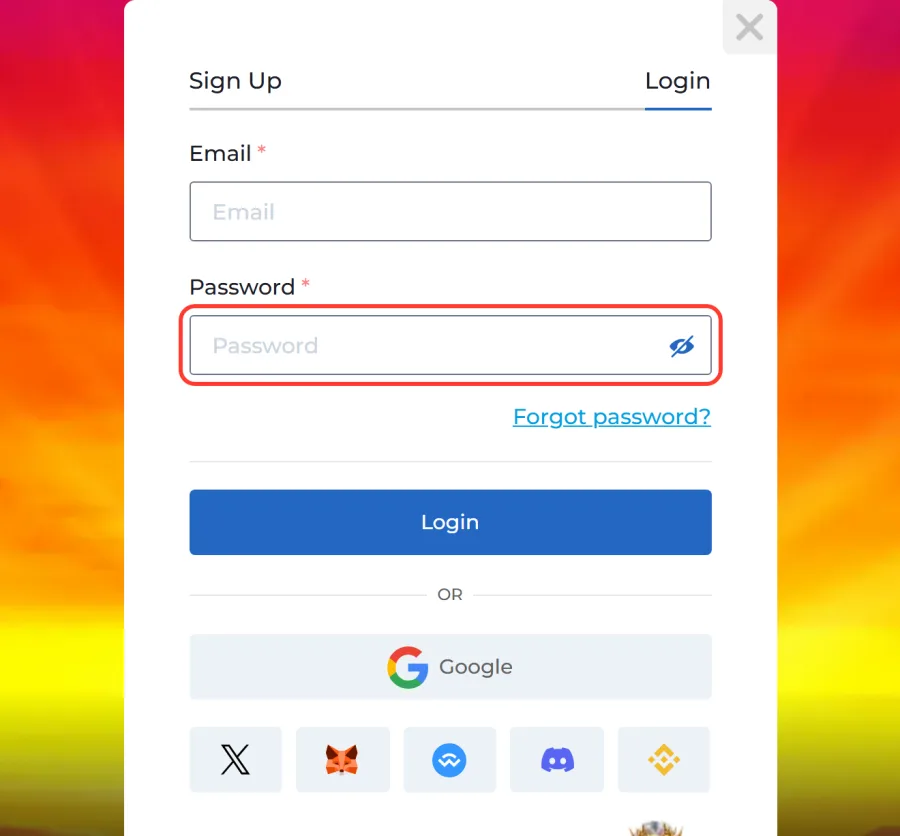
Press Login
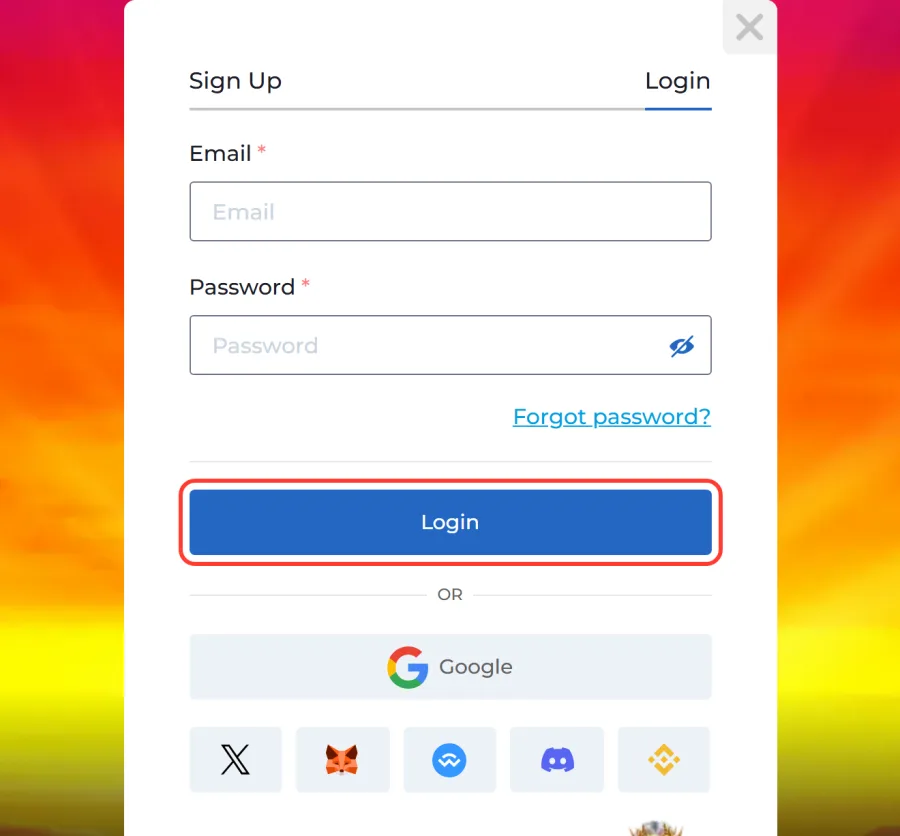
Press the blue Login button. The window closes, you are signed in to your CAD account, and the Sports section now opens instead of sending you back to the form.
If you do an AMPM Casino log in on a shared or work computer, sign out when you finish and do not let the browser save the password.
Google, X, Discord or a Crypto Wallet: Six One-Tap Options
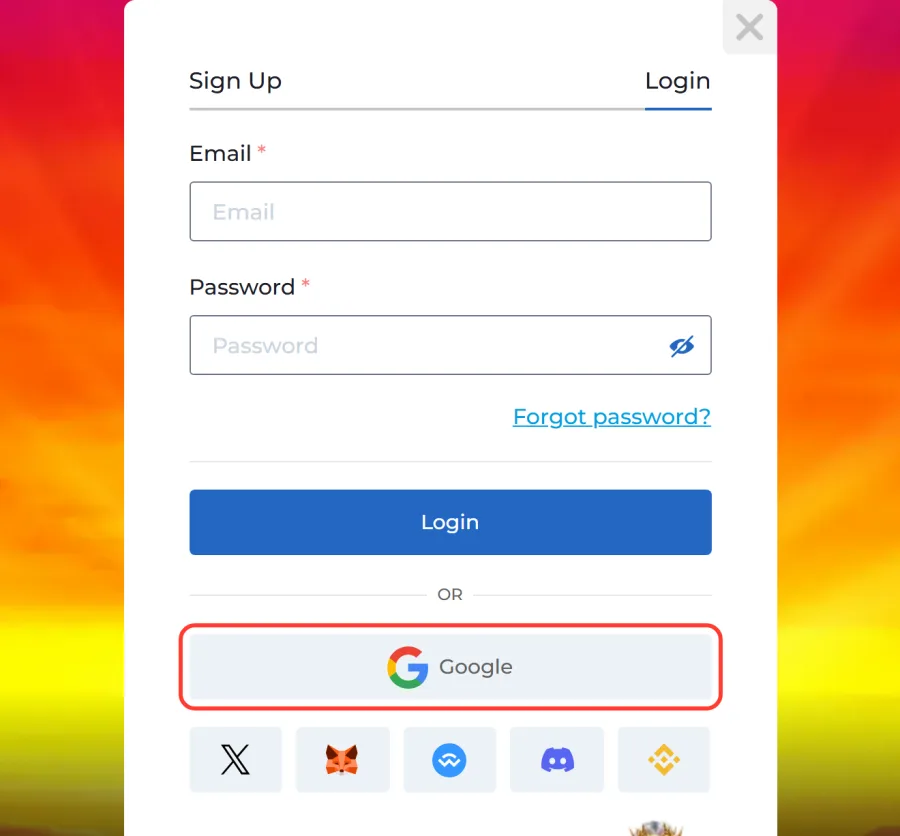
Under the email form there is a divider marked OR, followed by a wide Continue with Google button and a row of five icons. These are the quick routes into your account:
- Google: picks the Google account already signed in on your browser or phone.
- X: confirms the login through your X profile.
- Discord: uses your Discord account approval screen.
- MetaMask: signs you in with the MetaMask browser extension or mobile wallet.
- WalletConnect: connects a mobile crypto wallet by scanning a QR code or opening the wallet app.
- Binance Wallet: approves the login inside the Binance Wallet app.
Use the same method each time: the service you picked at sign-up is the one that leads back to your account. A player who registered with MetaMask logs in with MetaMask again. The wallet options only identify you, so connecting a wallet here does not move crypto or approve a payment. Deposits are made separately in the cashier.
Forgot Your Password? Get a Temporary One by Email
A lost password is fixed from the login window itself, without contacting support.
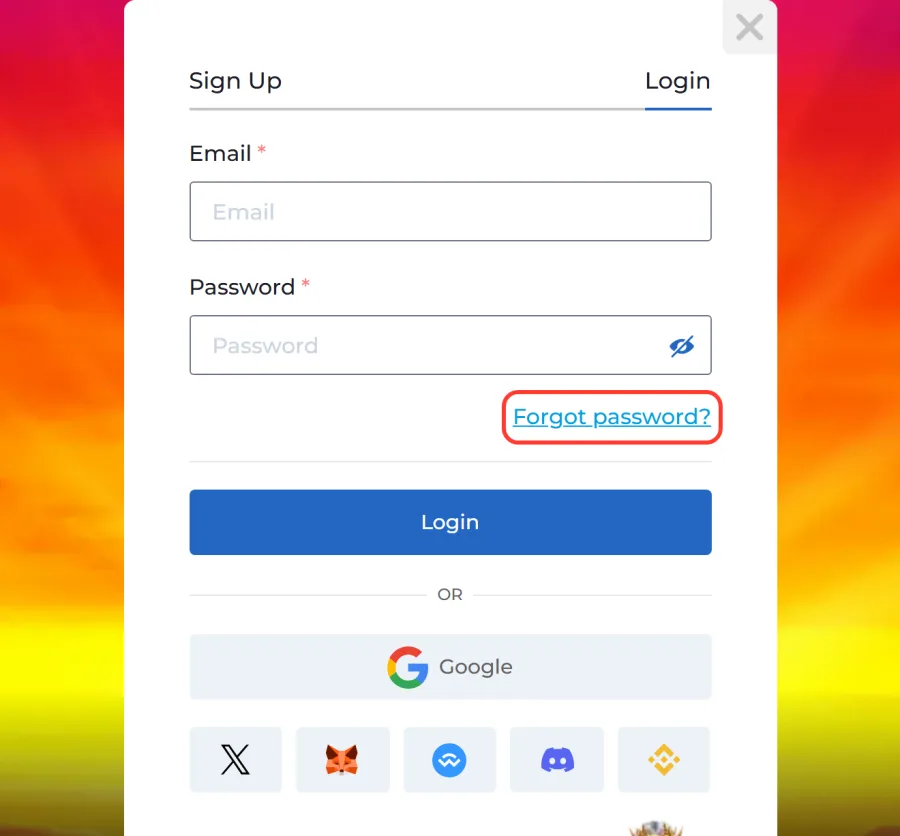
1. Tap Forgot password?
Open the login form and tap Forgot password? under the Password field.
2. Enter your email
The Restore Password window opens. Enter the email address linked to your account.
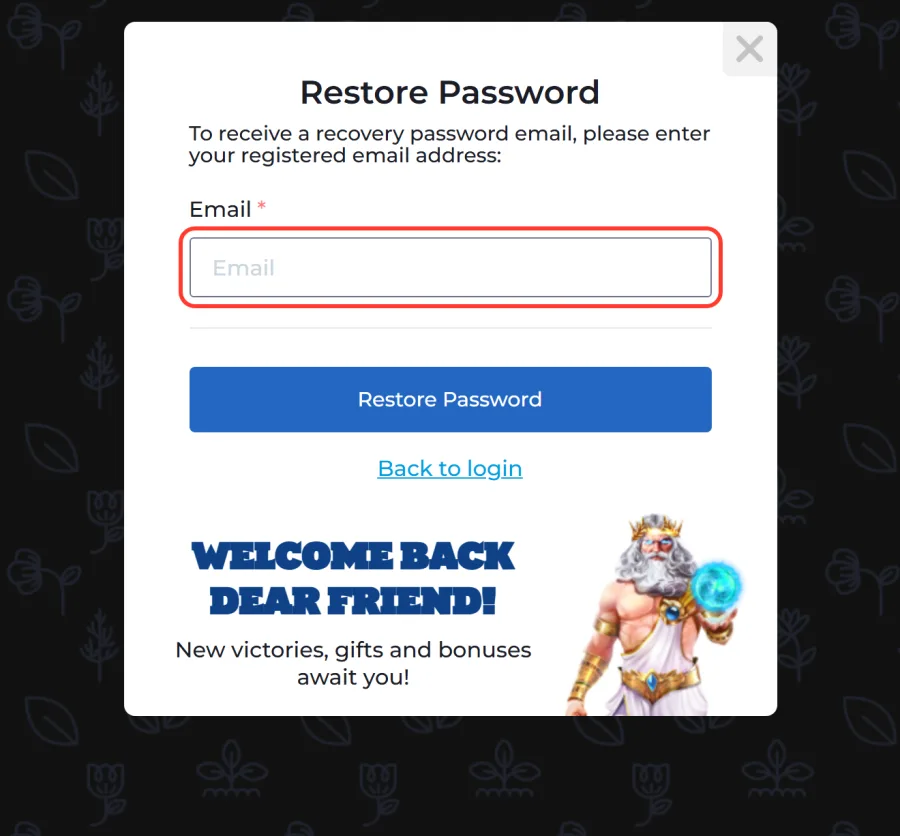
3. Press Restore Password
Press Restore Password. AMPM Casino sends a temporary password to that inbox.
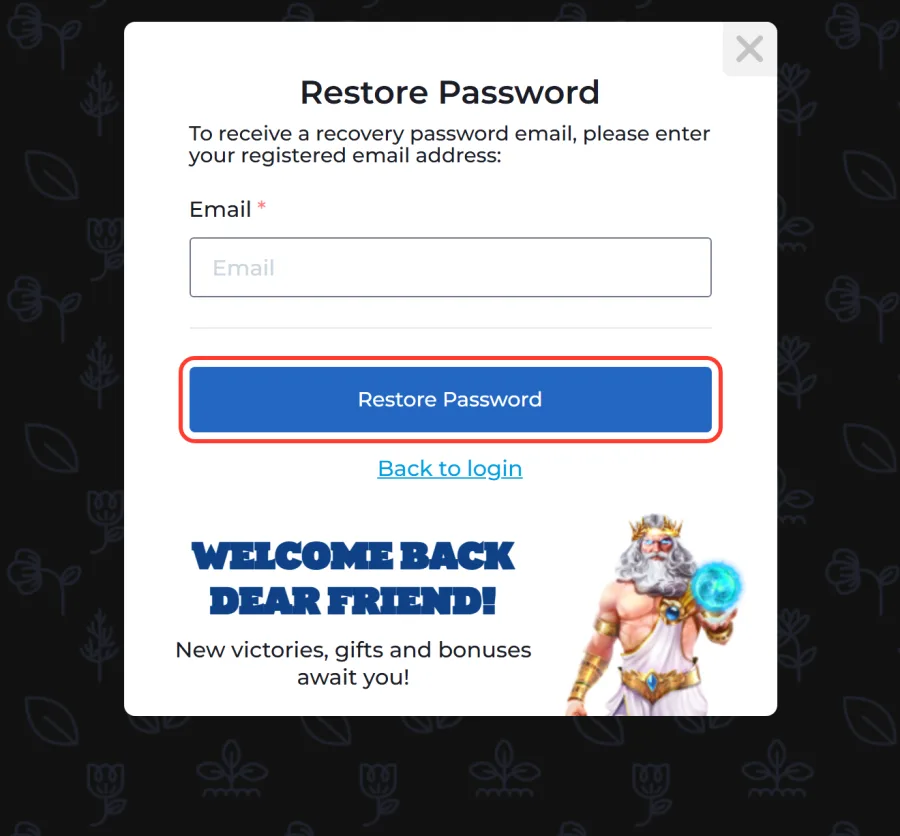
4. Sign in with the new password
Use Back to login and sign in with your email and the temporary password from the letter.
If the letter is not there after a few minutes, look in the spam and promotions folders. Players who signed up through Google, X, Discord or a wallet usually do not need a reset: they log in through the same service again. When no email arrives even in spam, write to support@ampm.casino from the address on the account.
Logging In From an iPhone or Android Phone
The account and password are the same on every device, so a phone login looks exactly like the desktop one. The difference is how you open the casino.
On an iPhone, add the site to the home screen from Safari: the iPhone web app opens with the same Login button.
On Android, the AMPM Casino app is a 6.4 MB APK file downloaded from the official site. After installation, sign in with the same email and password or the service you registered with.
A few things to keep in mind:
- Neither the App Store nor Google Play has the casino, so any listing there is not official.
- After the APK is installed, you can switch the “install unknown apps” permission off again.
- Your login details stay the same if you later move from the browser to the app.
No Account Yet? Sign Up With Three Fields and a Checkbox
Registration uses the same kind of pop-up window as the login form: three fields and a consent checkbox. Open it with the Sign Up button next to Login.
1. Enter your email
Enter an email address you actually check. Disposable mailboxes are rejected, and the address can be up to 55 characters.
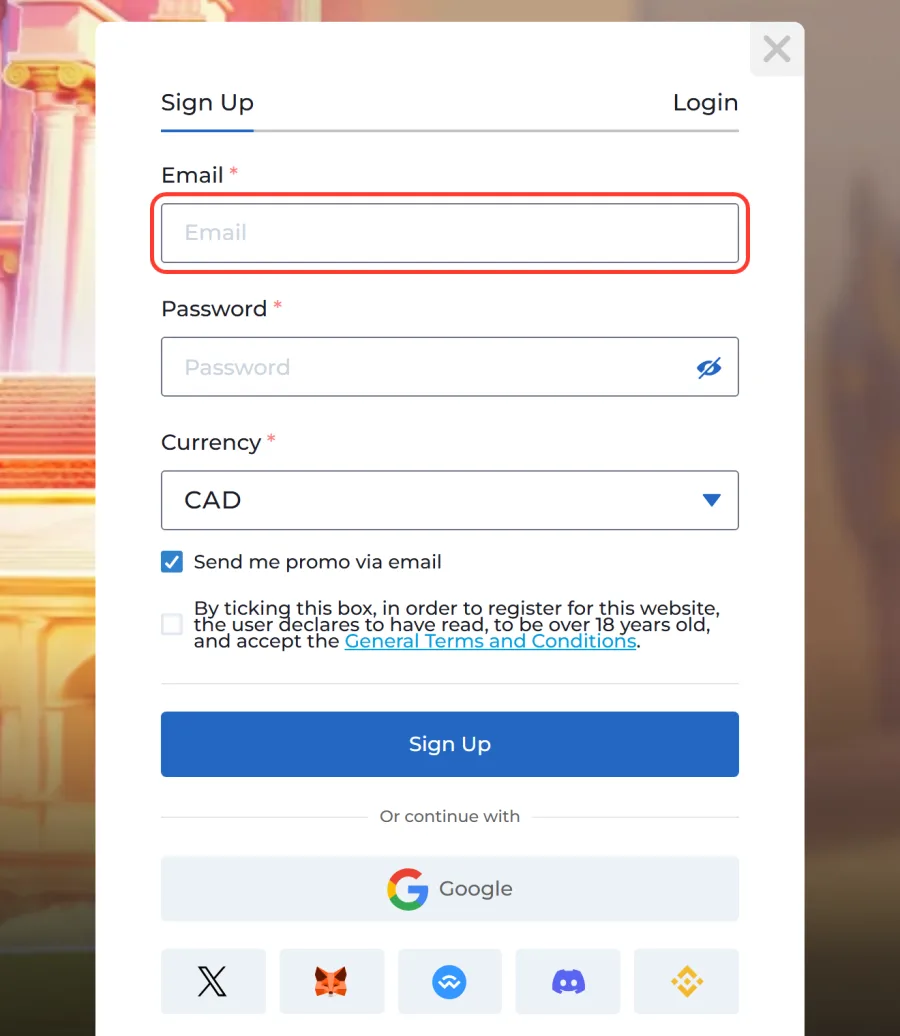
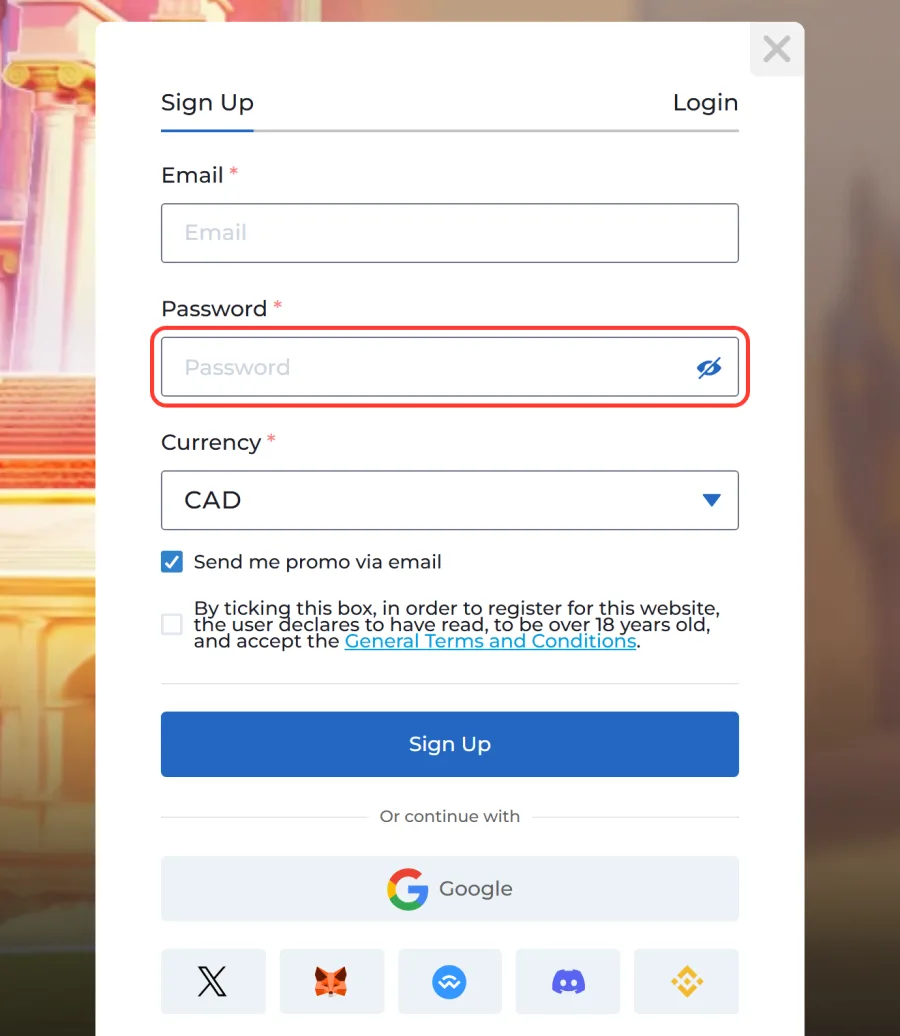
2. Create a password
Create a password. The eye icon lets you check it before you submit.
3. Pick CAD as currency
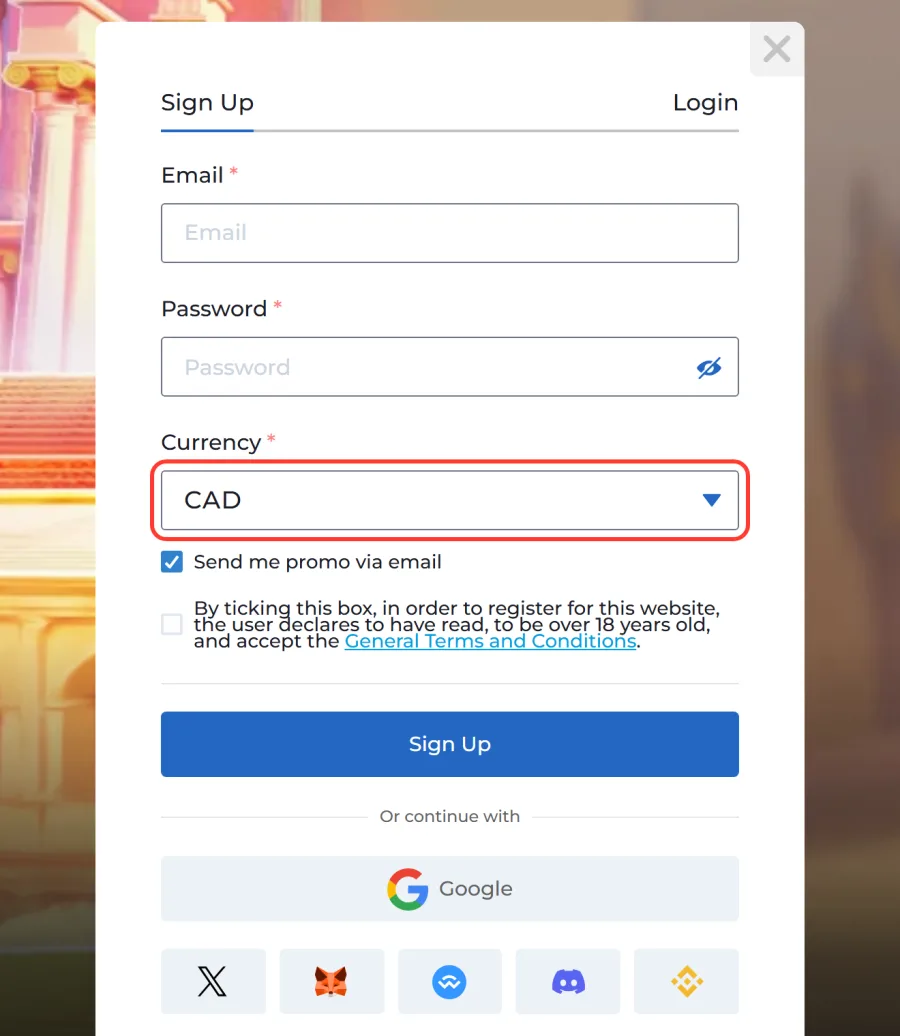
Pick CAD in the Currency list. Ten currencies are offered, and CAD keeps every deposit and withdrawal in Canadian dollars.
4. Confirm you are 19+
Leave or untick Send me promo via email, then tick the box confirming you are 19 or older and accept the General Terms and Conditions.
5. Press Sign Up
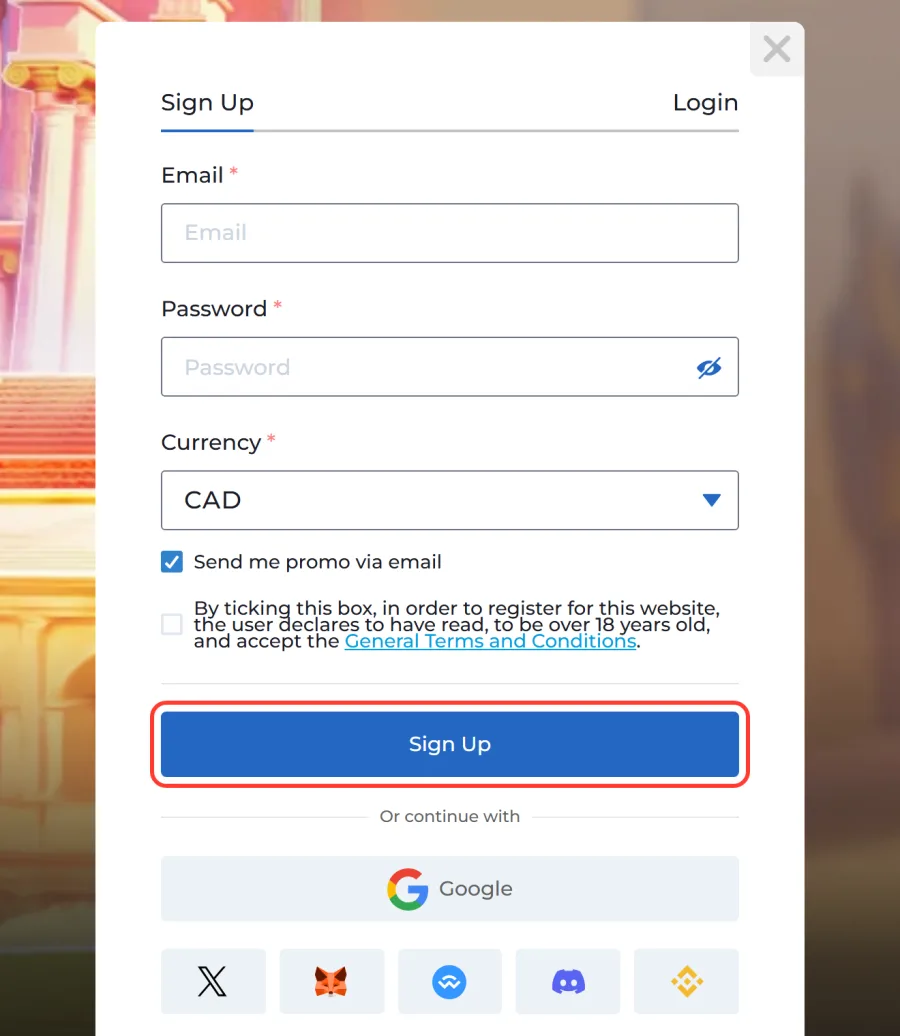
Press Sign Up and open the activation letter AMPM Casino sends to your email.
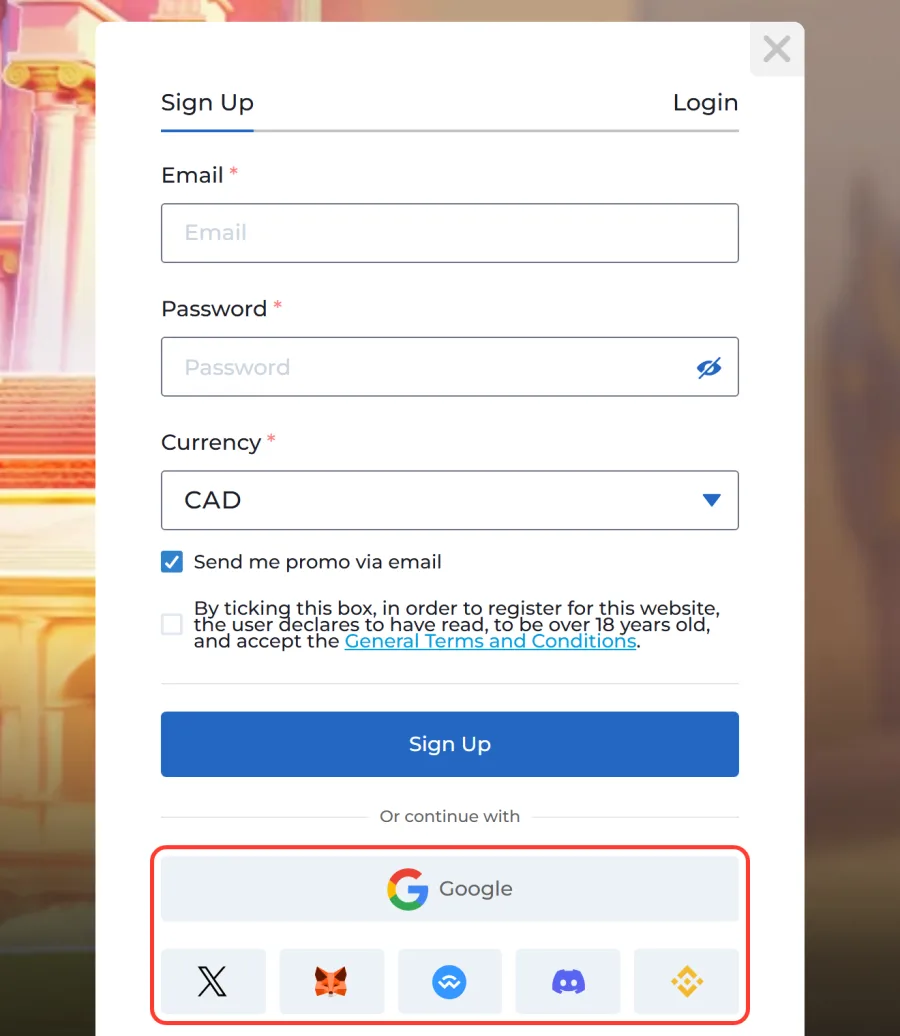
Prefer not to fill in a form? The same Google, X, Discord, MetaMask, WalletConnect and Binance Wallet options sit under the Sign Up button. Once the account is active, your first deposit from 15 CAD can open the AMPM Casino welcome package with its own wagering terms.
Before Your First Withdrawal: Profile, Phone and ID Check
Logging in and depositing need only your email and password. A cash-out asks for more, and doing it early saves waiting later.
First, fill in the profile and confirm your phone number. A withdrawal request cannot be sent until both are done. Verification can also go through the AMPM Casino Telegram bot.
Then comes the ID check (KYC), which applies to any withdrawal. Upload these in the profile as JPG, JPEG or PNG files up to 10 MB:
- a photo ID;
- a selfie holding that ID;
- a bank statement or utility bill no older than three months.
The check takes up to 24 hours. Withdrawals start at 45 CAD and go back to the method used for the deposit. Wager your deposit at least three times before cashing out: otherwise a 20% fee is held from the amount.
Keeping Your AMPM Account Safe and Under Your Control
Account security at AMPM Casino starts with one rule from the Terms and Conditions: only one account is allowed per household, IP address and computer. A second registration from the same home is treated as a duplicate, so if you need a fresh account, ask support to close the old one first.
A few habits keep the login yours:
Unique password
Use a password you do not use for email or banking.
Log out on shared devices
Log out on any device that other people use.
Keep the reset password private
Never share the temporary password from a reset email.
Report strange activity
If you see a login or bet you did not make, reset the password and tell support at once.
The profile also holds the responsible gaming tools. You can set a deposit limit per day, week or month, or block the account for a period from 1 day up to 3 years, or permanently. Raising a limit goes through support. An account left untouched for 12 months starts paying a monthly inactivity fee, so close it if you no longer play.
Can’t Log In? Common Problems and Fixes
Most failed logins come down to a handful of causes. The table below matches what you see with what to do next.
| Problem | Likely cause | What to do |
|---|---|---|
| Login rejected | Typo, old password, caps lock | Retype with the eye icon on, or reset via Forgot password? |
| No activation letter after sign-up | Spam filter, mistyped address | Check spam, then ask support to resend or fix the address |
| Reset email never arrives | Spam filter or another address on the account | Check spam, try your other inboxes, then write to support |
| Wallet login does nothing | Wallet app locked or on another device | Open the wallet app and approve the request |
| Email refused at sign-up | Disposable mailbox | Register with a regular email provider |
| Second account flagged | One account per household, IP and computer | Log in to the existing account or contact support |
| Service not available | You are in Ontario | AMPM Casino is not available in Ontario |
If nothing in the table helps, the live chat inside the site answers login questions, and support@ampm.casino handles account access, closure and disputes. Write from the email linked to your account so the team can confirm it is you.
AMPM Casino Login FAQ
Can I use one account on my laptop and phone at the same time?
Yes, the same login works on desktop, the iPhone web app and the Android APK. Your CAD balance, active bonuses and bet history are shared between them, so a game started on the laptop shows the updated balance on the phone. Remember to log out on any device you do not own.
Do I need to log in to bet on sports?
Yes. The Sports tab sends guests to the AMPM Casino login form, and the sportsbook with football, NHL, NFL and 80+ other sports opens only inside an account. The same CAD balance is used for casino games and bets.
Is AMPM Casino available in every province?
No. AMPM Casino is not available in Ontario.
How old do I need to be to create an account?
19 or older. The sign-up form has a checkbox where you confirm your age and accept the Terms and Conditions. The ID check before the first withdrawal then confirms your date of birth, and an account that fails it cannot cash out.
How many accounts can I have?
One. The rules allow a single account per household, IP address and computer. If you lost access to an old account, restore the password or contact support instead of registering again. When a new account is really needed, support closes the old one first, so your history does not split between two profiles.
Updated: